Rayman Legends Retold Dragon Rides and Autoshoot
Learn how Rayman Legends Retold’s dragon rides change perspective, how four-direction movement and Autoshoot work, and what previews report about dodging and keeping Teensies aboard.
How do dragon rides work in Rayman Legends Retold?
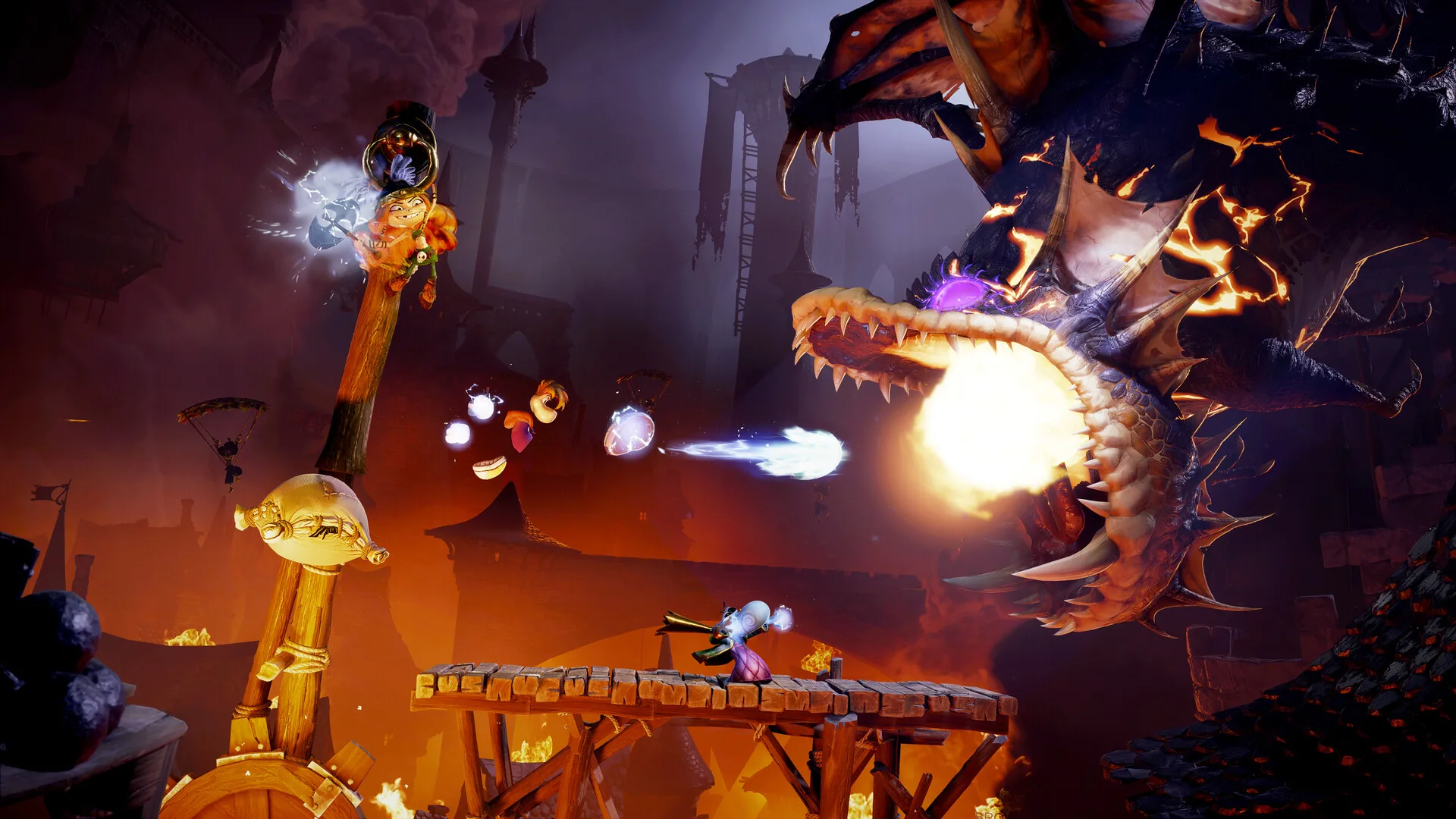
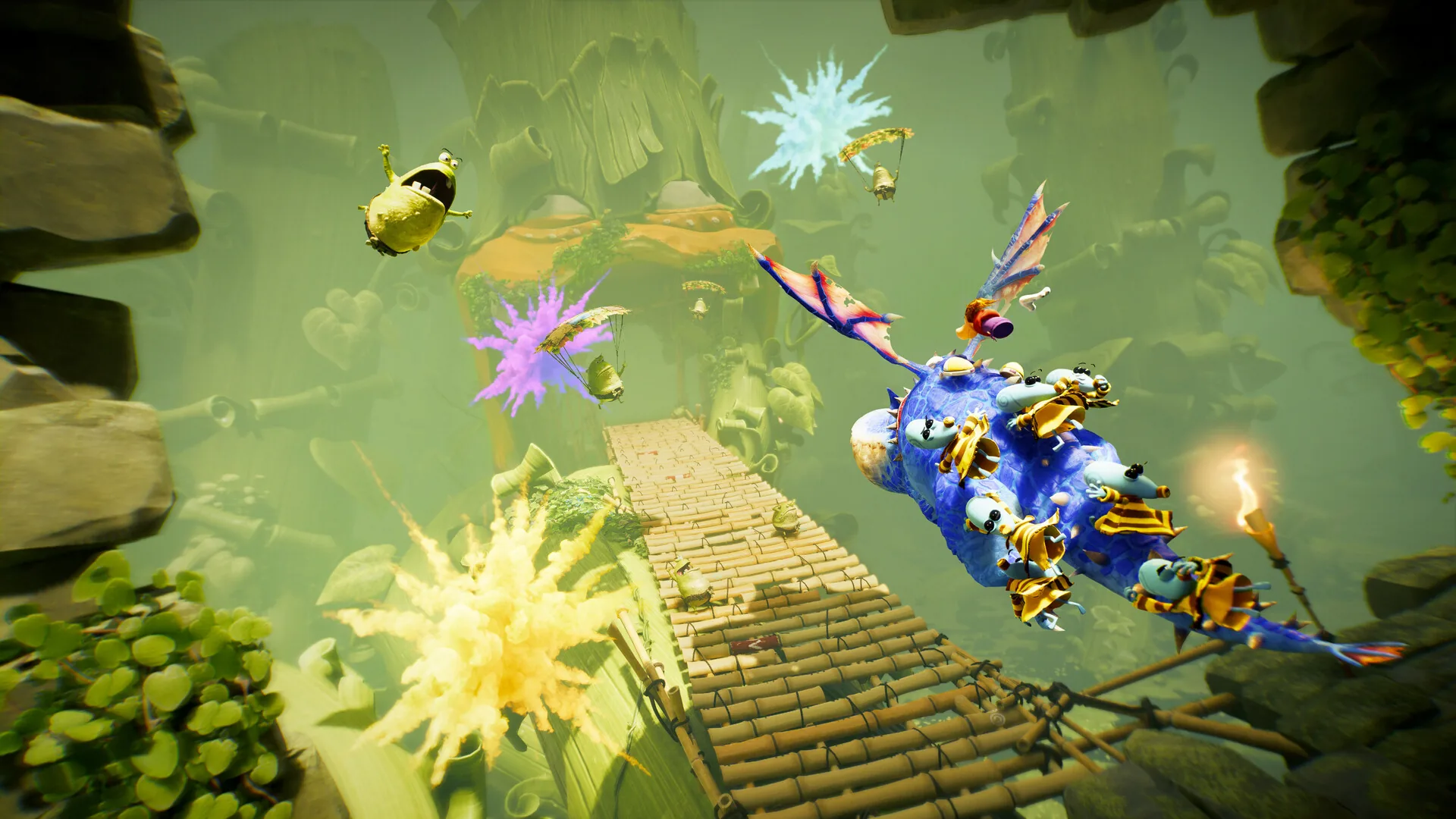
Dragon rides move the camera behind your character and let you move up, down, left and right while navigating obstacles and destroying targets. Ubisoft confirms that the dragon shoots straight ahead, so you aim by moving into position. Autoshoot automatically fires at valid enemies and objectives within range, reducing rapid manual inputs while you concentrate on navigation.
Ubisoft’s accessibility spotlight explains that these sequences differ from the usual side-scrolling platforming and do not use traditional aiming mechanics. Targets can sit at different depths, making alignment harder to judge.
Ride controls support X and Y axis inversion for both sticks and mouse, according to Ubisoft, allowing you to adjust how directional inputs behave during flight.
Quick reference
| Feature | What players need to know |
|---|---|
| Movement | Move up, down, left and right to align with targets and navigate obstacles. |
| Autoshoot | Automatically fires at valid enemies and objectives within range when activated. |
| Control adjustment | X and Y axis inversion is available for both sticks and mouse. |
What does Autoshoot do?
Autoshoot launches fireballs automatically when the dragon comes within range of a target. Ubisoft describes it as an optional accessibility feature that reduces the need for fast, repeated manual inputs in visually crowded ride sections.
Autoshoot and aim assistance perform different jobs. Ubisoft explains that subtle aim assistance gently directs projectiles toward nearby targets, while Autoshoot handles firing at eligible targets. You still control the dragon’s movement and position.
Ubisoft’s accessibility spotlight does not specify a numerical targeting distance or whether Autoshoot is enabled by default.
Do dragon rides scroll automatically?
According to the Rayman Legends Retold Guide’s beginner tips, dragon rides scroll automatically, with the player handling positioning and dodging while forward movement continues.
The guide recommends watching incoming projectiles and threats entering your path instead of trying to stop and defeat every enemy; it says missed enemies are not themselves a failure condition. It also states that firing is automatic on default settings, while Ubisoft’s accessibility spotlight confirms automatic firing when Autoshoot is activated without establishing its default setting.
What happens to Teensies when you take damage during a dragon ride?
According to Edge’s Rayman Legends Retold preview, players begin the ride with a full quota of Teensies aboard the dragon, and each hit causes one Teensy to fall off in the previewed build.
That mechanic, as described by Edge, makes avoiding damage part of keeping the rescued passengers aboard. It adds an important distinction to the beginner guide’s general advice to focus on Teensies and dodge projectiles: Edge describes protecting an existing group during the ride.
What did the hands-on preview report about attacks and dodging?
According to Tom’s Guide’s hands-on preview, the tested build offered rapid fireballs, a stronger held-input attack and directional rolls for avoiding obstacles.
| Action described by Tom’s Guide | Use in the previewed build |
|---|---|
| Rapid firing | Launch fireballs in quick succession. |
| Holding the fire input | Produce a stronger attack, useful against tough obstacles such as walls. |
| Left and right rolls | Avoid obstacles during flight. |
These are observations of the preview build. Tom’s Guide does not explain how the held attack interacts with Autoshoot or provide platform-specific button mappings.
Related Guides
Does It Use AI-Generated Art?
Read the attributed developer statement about handcrafted art and understand its scope without confusing generative content with gameplay AI.
Controls and Readability Settings
Explore announced control presets, keyboard and controller remapping, separate audio sliders, readable fonts and customizable subtitles.
Does It Have a Demo or Playtest?
Check the November 22, 2026 Steam demo and playtest status, how the expired public Gamescom demo worked, and why press preview access does not establish a public download.